Hatherley Plate mill walk
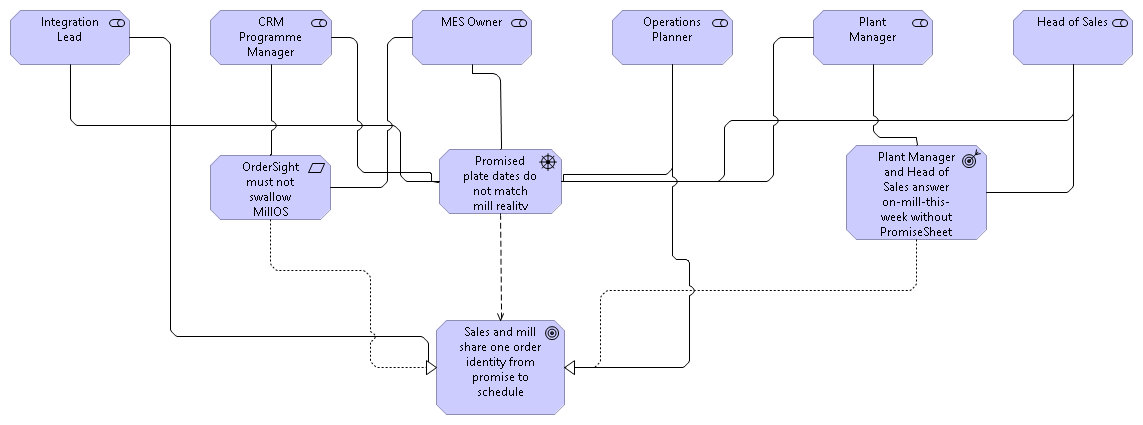
A sequenced SOAM run in Archi. Fictional UK plate mill. CRM funded for order visibility. Plant engineers refuse a drawing that swallows the MES.
Author-run frozen brief, not a client engagement. Rejecting the View Plan is a successful first run. Nothing is written until you approve.
Sign the view plan
Paste the mill job into a host that has the skill pack. The orchestrator drafts a View Plan. If you would not sign it, reject it. The canvas stays empty. That refuse is the method, not a failed generation.
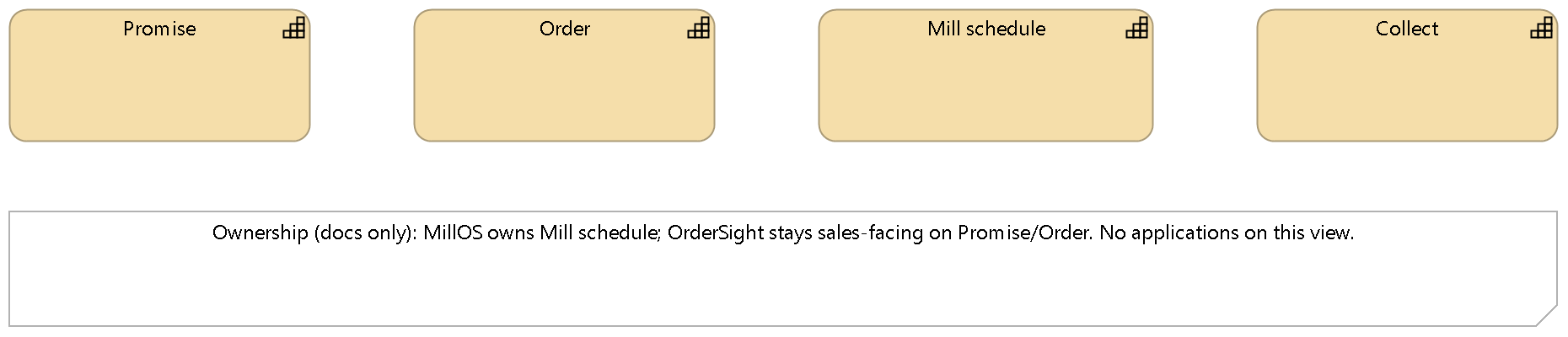
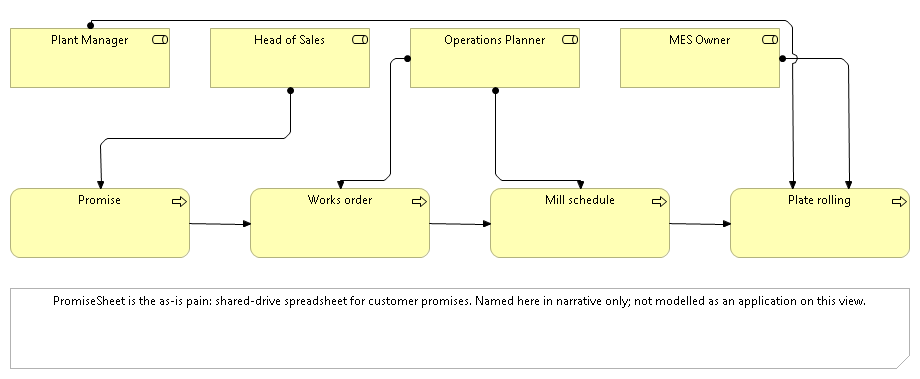
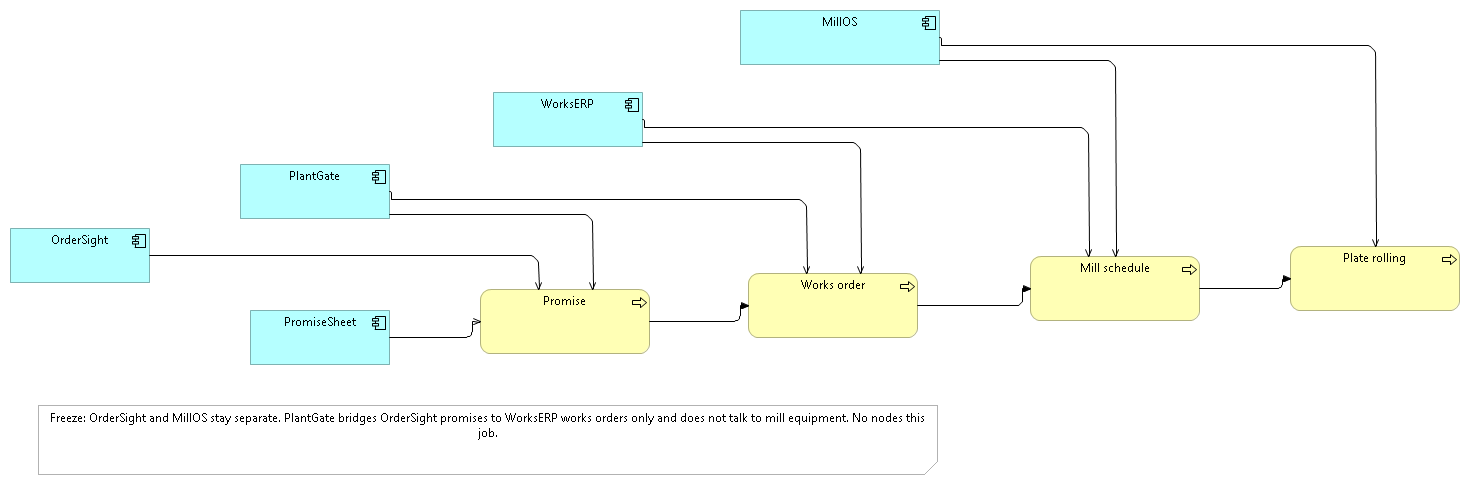
Five views, one freeze
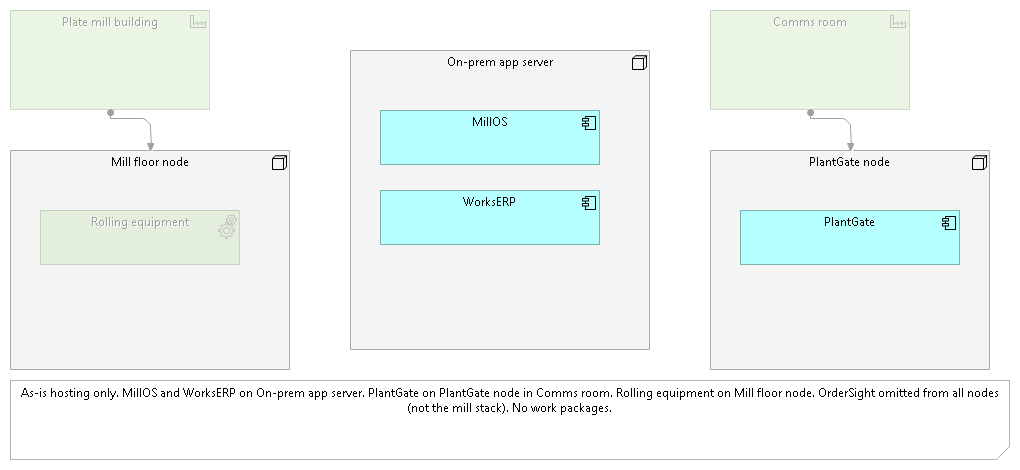
Look at OrderSight versus MillOS on Application Support, and rolling equipment on the mill-floor node on Technology and Physical. PNG exports are talk assets. Archi is the readable copy.
Open the model in Archi
The working .archimate file and the five paste fences live in the sibling worked-example repository, jgs-archi-skills-we. Install Archi 5.7+, open the mill model, then optionally replay job 1 and stop at the gate. Operator notes: open a diagram editor before the first mutate; restart the Bridge if a UI-thread mutation fails; File, Save after every passed job.
Skill pack: this repository. Bridge: jgs-archi-mcp. Worked models: jgs-archi-skills-we. Licence enquiry: labs.jgsystemsconsulting.com/licensing.html.